


分割されたZIPアーカイブを手動で結合する方法
Z01ファイルを開く方法
haozip01.zipファイルを開く方法
自動データ送信を無効にする方法
アーカイブ内のファイル名の暗号化
アーカイブからサブフォルダを含まないファイルのみを抽出する方法
Windows 11のコンテキストメニューからBandizipの項目を削除する方法
Windows 11のコンテキストメニューからBandizipの項目を削除する方法
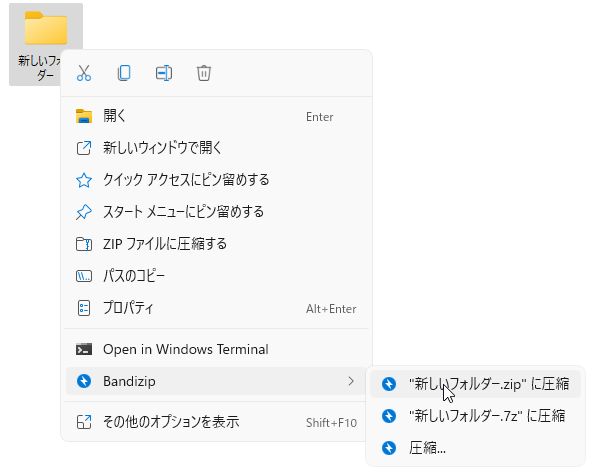
Windows 11のコンテキストメニューからBandizipが提供する項目を削除するには、以下のコマンドラインを使用できます。
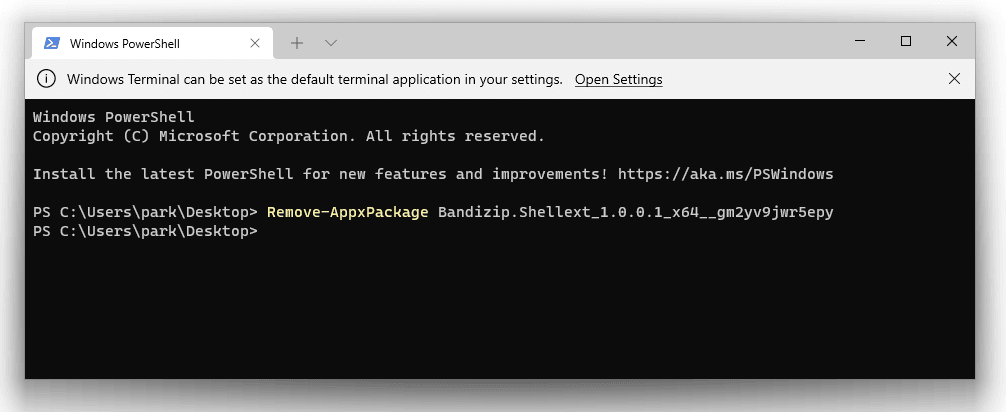
PowerShellでは
get-appxpackage BandizipShellext* | Remove-AppxPackage
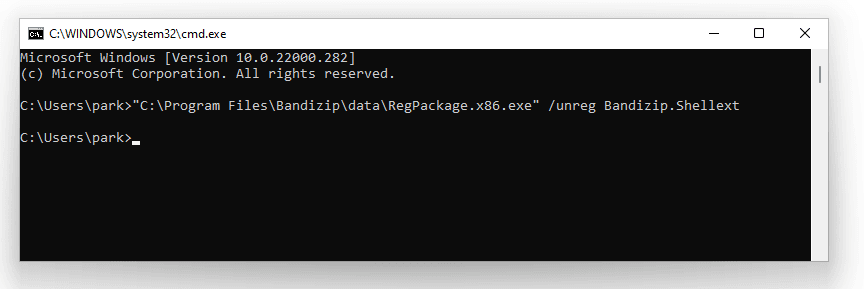
コマンドプロンプト(cmd.exe)で
"C:\Program Files\Bandizip\data\RegPackage.x86.exe" /unreg BandizipShellext2
また、以下のコマンドラインを使用して、Bandizipの項目をコンテキストメニューに再度登録することもできます。
"C:\Program Files\Bandizip\data\RegPackage.x86.exe" /reg "C:\Program Files\Bandizip\data\bzshell.x64.msix"